Snapshots
Overview
Snapshots are a way of capturing quick renders from an object’s point of view. Simply right-click on an object and select Take Snapshot from the Context Menu:

Press this button in the context menu to take a snapshot.
Snapshot Views
The rendered views are:
Rendered Snapshot Views |
|---|
3D |
Bottom |
Top |
Back |
Front |
Right |
Left |
Snapshot Location
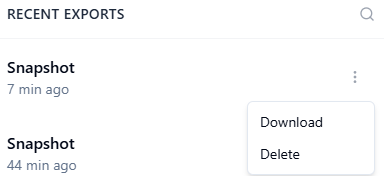
Snapshots are found in the snapshots section by clicking the cloud icon
 located towards the bottom of your Session Menu.
This opens up the Recent Exports panel where you can download or delete the snapshots you have created:
Sample Snapshots
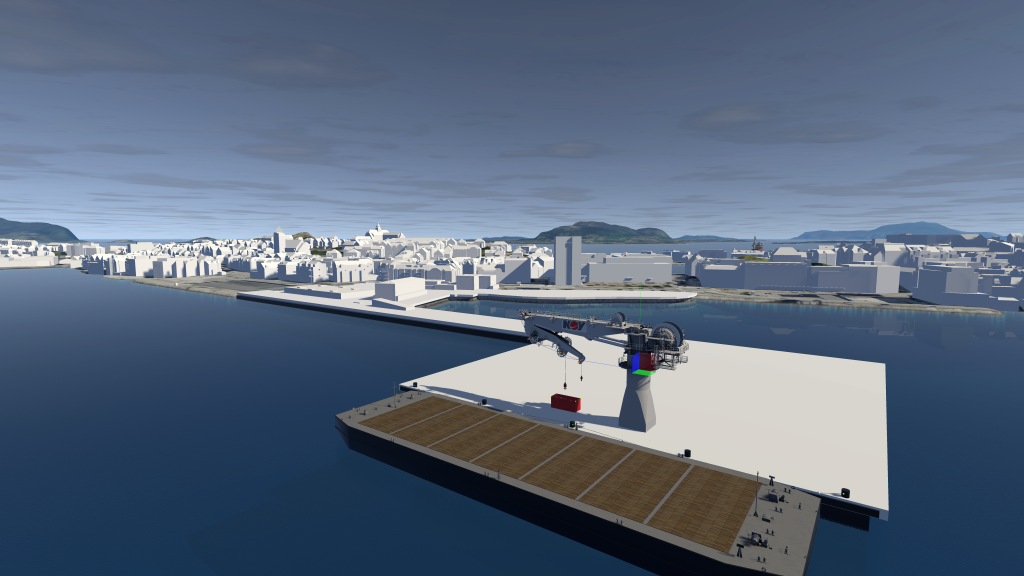
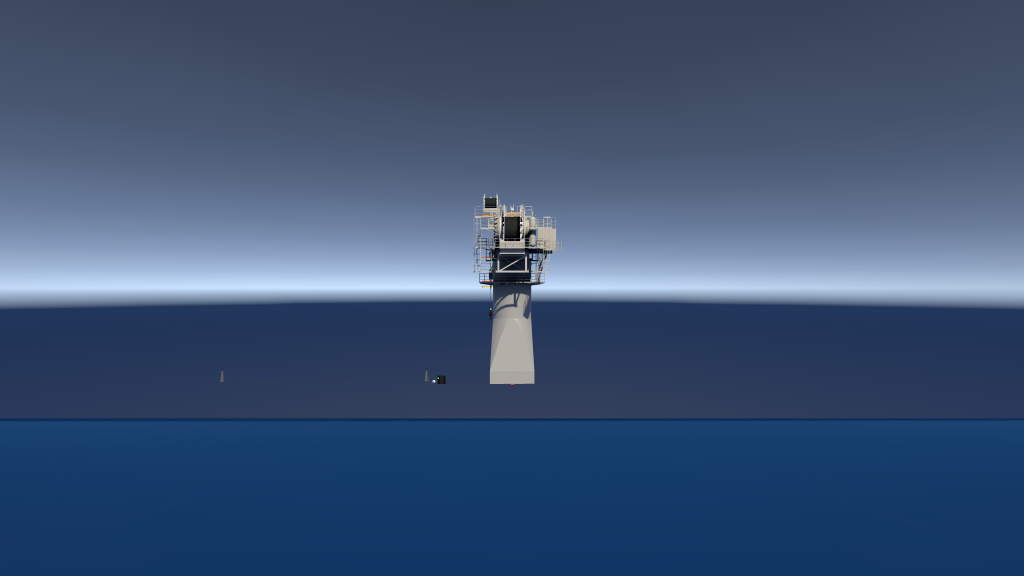
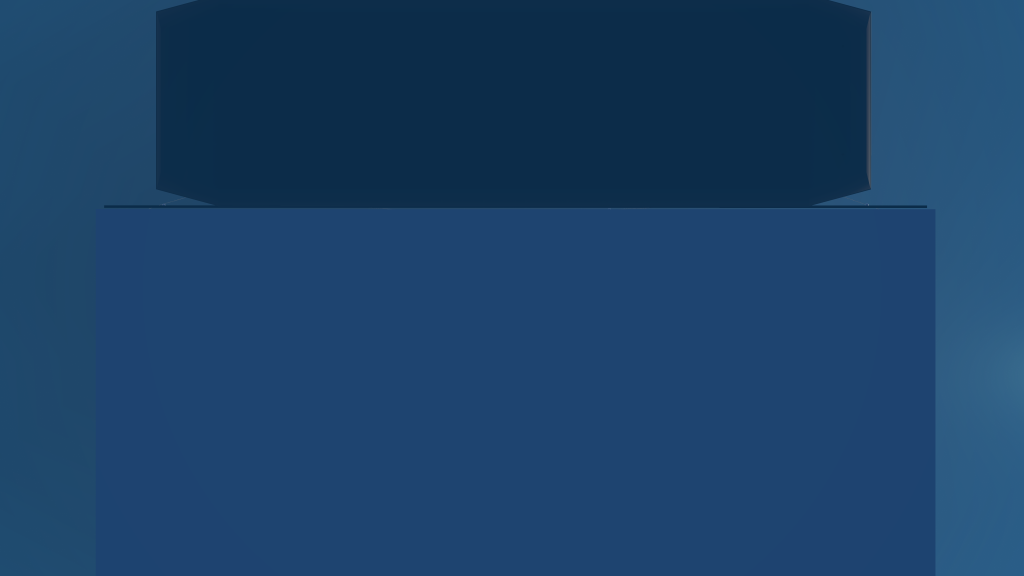
Sample snapshots from a NOV 250 crane:
3D |
Back |
Bottom |
|
|
|
Front |
Left |
Right |
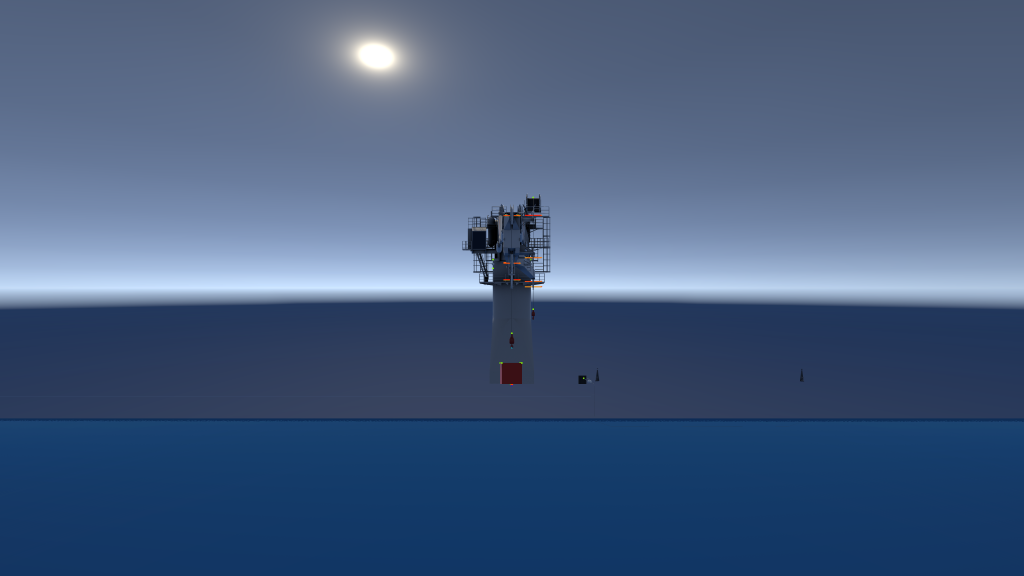
|
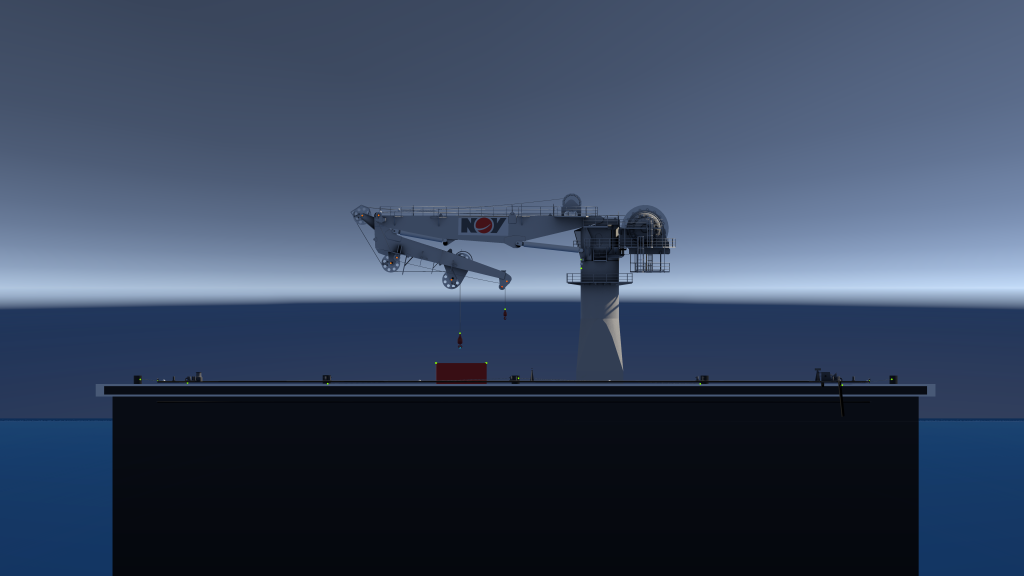
|
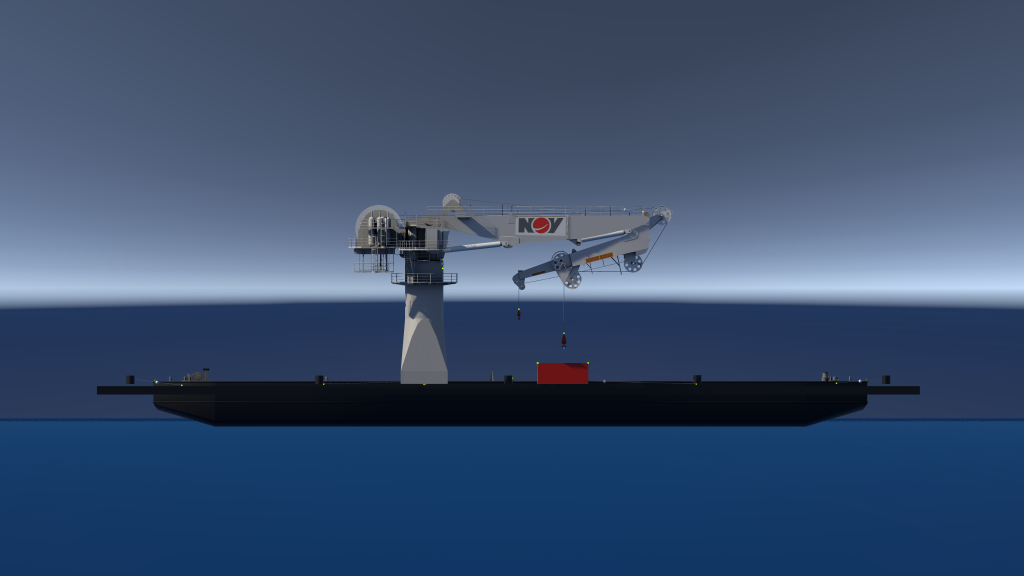
|
Top |
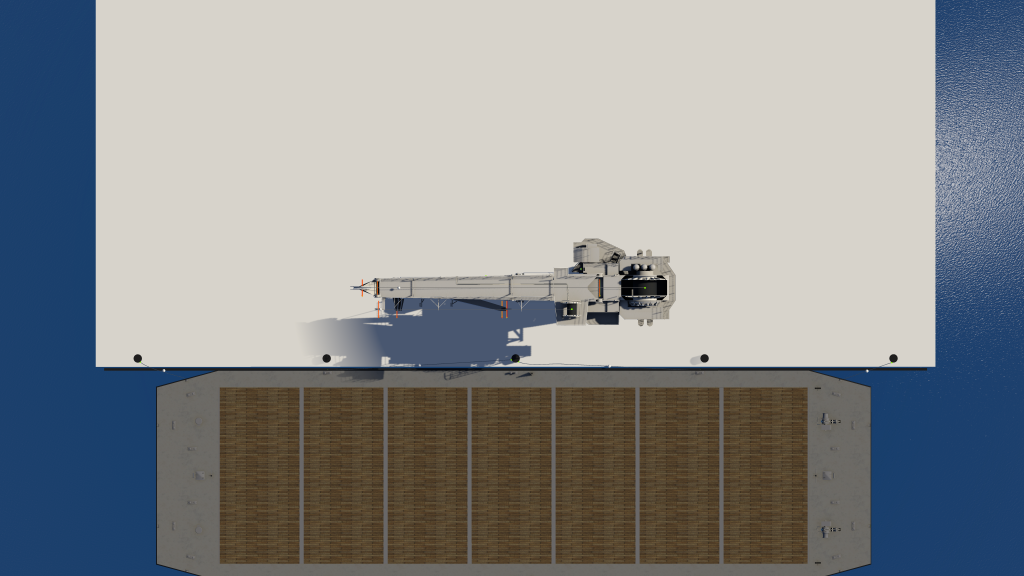
|