First-Person Perspective Controls
The first-person perspective in Sandbox involves controlling the user’s movement and direction within a 3D scene. Movement is handled via the keyboard, while direction changes are managed through mouse movements with the right mouse button held down. This creates an immersive experience where the user feels as if they are part of the Sandbox world, viewing it directly through the eyes of the character they control.

Select First-Person Perspective mode by pressing the character button. Press Esc button or a different navigation mode to exit First-Person perspective.
Walk
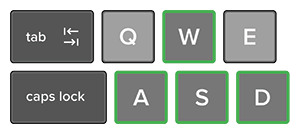
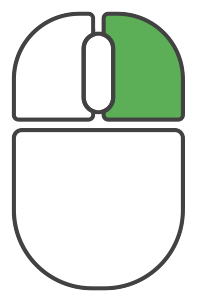
Hold right button and one of W,A,S,D keys:
W = Forward
A = Left
S = Backwards
D = Right
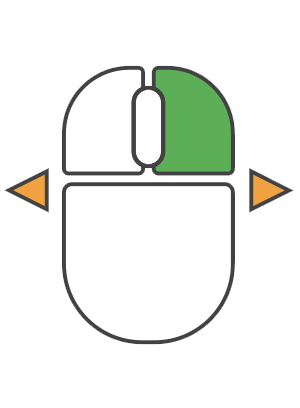
Rotate View
Hold right mouse button and move mouse to change view angle.
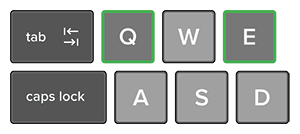
Adjust Height
Hold right button and one of Q or E keys:
Q = Down
E = Up
Adjusting the Speed
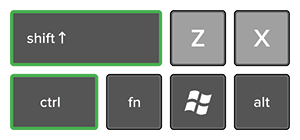
Hold Shift to speed up, Ctrl to slow down. Default speed can be set in the on-screen navigation panel.