Helicopter Flight Controls
Helicopter flight mode was added in version 4.20.0.

Select Helicopter Flight mode by pressing the helicopter button.
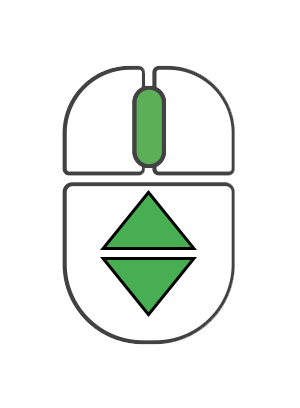
Zoom
Scroll middle mouse button to zoom (ALT may be needed for older versions).
Camera moves closer to or farther from the reference point.
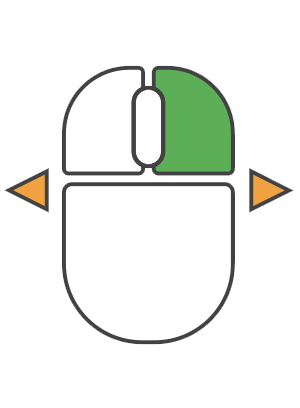
Rotate View
Hold right mouse button and move mouse to change view angle.
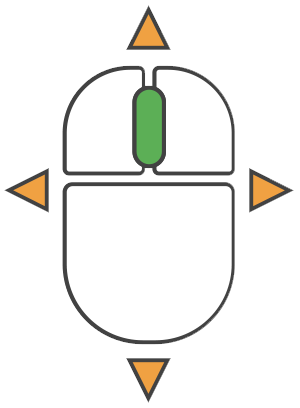
Pan
Hold middle mouse button and move mouse to pan left/right/up/down. ALT + Left mouse button can also pan the camera.
Flight
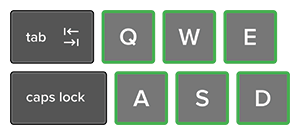
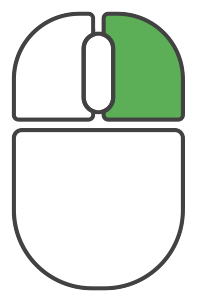
Hold right button and one of W,A,S,D,Q,E keys:
W = Forward
A = Left
S = Backwards
D = Right
Q = Down
E = Up
Adjusting the Speed
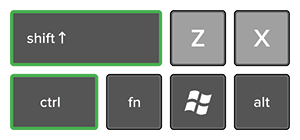
Hold Shift to speed up, Ctrl to slow down. Default speed can be set in the on-screen navigation panel.